


Summary
Compare the best ATS-friendly resume builders in December 2025. We tested top tools for keyword optimization, clean formatting, and job-specific tailoring to help you pass filters.
You’re told to “tailor your resume for every job,” but let’s be honest, you barely have time to breathe, let alone rewrite the same document 20 different ways. You’re already buried in job boards, logins, and application portals. The real problem? Most so-called resume builders that promise “automation” just spray the same generic resume at every company and call it a day.
Sprout doesn’t play that game. We looked at the top tools to see which ones actually reshape your resume around each job description instead of handing you more homework. The key difference is simple: some tools optimize for volume, others for results. Firing off 500 identical resumes feels busy, but if they can’t clear basic ATS filters, you’re going nowhere. The right builder reads what each employer wants and rewrites your content to match, so every application has a real shot instead of getting dumped in the void.
TLDR:
ATS software filters 99% of Fortune 500 applications before humans see them
Clean formatting with standard headers beats fancy designs that confuse parsers
Tailoring your resume with job-specific keywords dramatically boosts ATS ranking
Sprout auto-generates ATS-optimized resumes for each job, saving you hours every week on manual edits
Sprout creates tailored resumes and tracks applications across 150,000+ job seekers
What is an ATS-Friendly Resume?
Think of an Applicant Tracking System (ATS) like the bouncer at a club. If your ID looks fake or you violate the dress code, you stay on the sidewalk. This software filters, parses, and ranks applications before they are reviewed by a human. Companies are rapidly adopting these systems because AI-powered screening can reduce resume reviewing time by up to 75%.
The stakes are high since 99% of Fortune 500 companies rely on these tools to handle volume. An ATS-friendly resume is designed to pass this digital gatekeeper. Success requires a clean resume format, standard headers like "Experience," and keywords that match the job description.
Avoid the urge to get fancy. Columns, graphics, and tables confuse the parser. When the software cannot read your data, your application vanishes into the void.
How We Ranked ATS-Friendly Resume Builders
We didn't pick these names out of a hat. To land on this list, a builder has to pass strict tests. It starts with technical compliance and ends with how well the output performs in the real world. Here is how we graded them:
Parsing Safety: Does it stick to standard headers like "Experience"? We disqualified anything using text boxes, graphics, or confusing multi-column layouts that choke parsing bots.
Keyword Smarts: Can it scan a job description and tell you exactly which skills you miss? The best tools sync your resume vocabulary with the listing without making it sound robotic.
The Human Check: Passing the bot is the first step. The final output must look clean to a hiring manager. We analyzed workflows to verify that the tool saves time instead of adding administrative bloat.
Best Overall ATS-Friendly Resume Builder: Sprout
Sprout sits at #1 because we refuse to compromise on quality for the sake of speed. Beyond applications, Sprout also runs Sprout Prep AI, our creator program for job search content. If you’re comfortable on camera, you can create short videos around resumes, interviews, and career advice and get paid for it. It’s optional, but it gives power users a way to turn their job search knowledge into income while using the product.
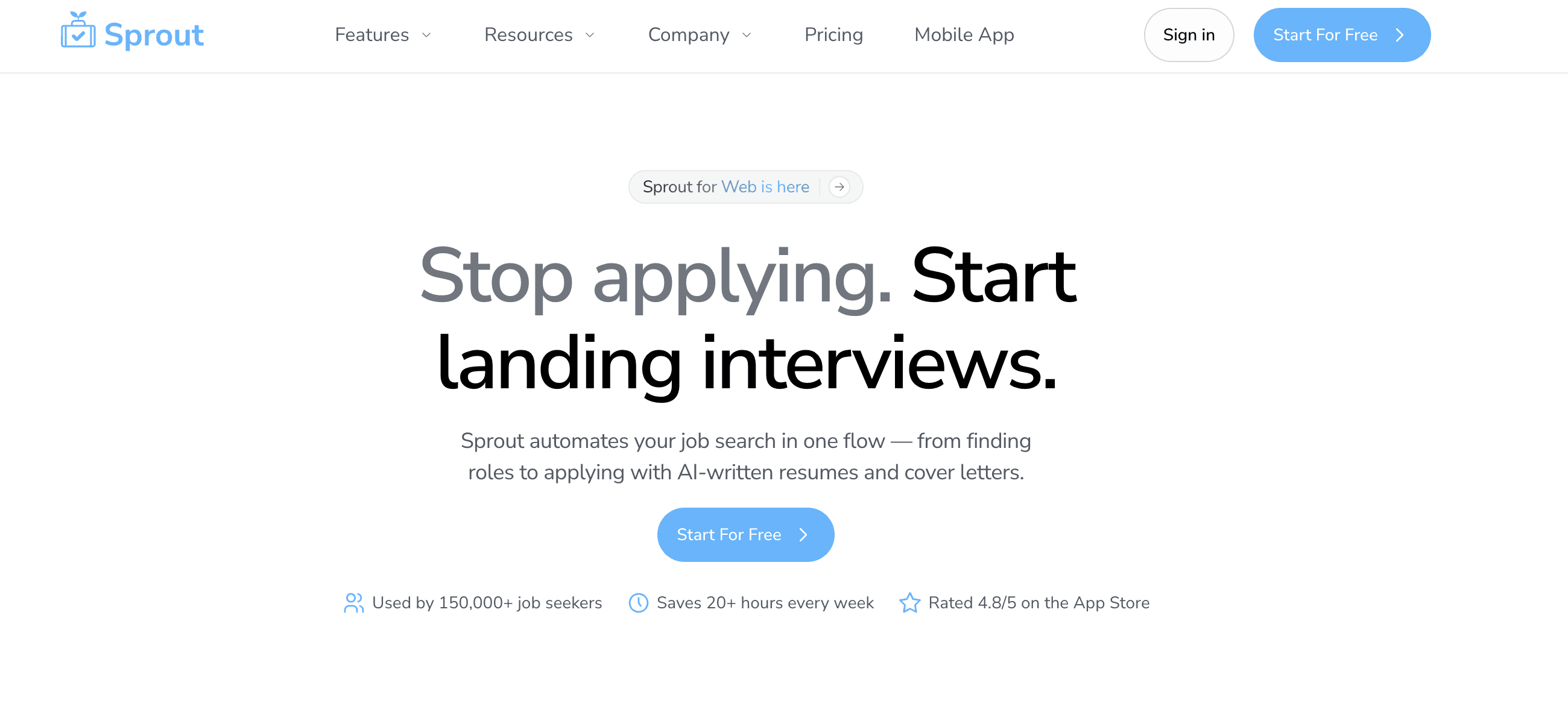
You usually have two bad choices with other tools: blast out generic junk that gets auto-rejected, or spend hours tweaking a single doc. We fix that.
Sprout uses AI to tailor your resume and Sprout AI cover letter for every application, so you pass the initial screen without losing your personal voice.
What Sprout Offers
Smart Keyword Alignment: We analyze the job description to pull top skills and verbs, naturally embedding them into achievement-based bullets. No robotic keyword stuffing.
Role-Specific Prioritization: The system automatically reorders your skills and experience, bringing what is relevant to that specific job's seniority.
Clean Formatting: We use standardized headers, simple fonts, and consistent spacing. You will never find parsing nightmares like tables, text boxes, or multi-column layouts here.
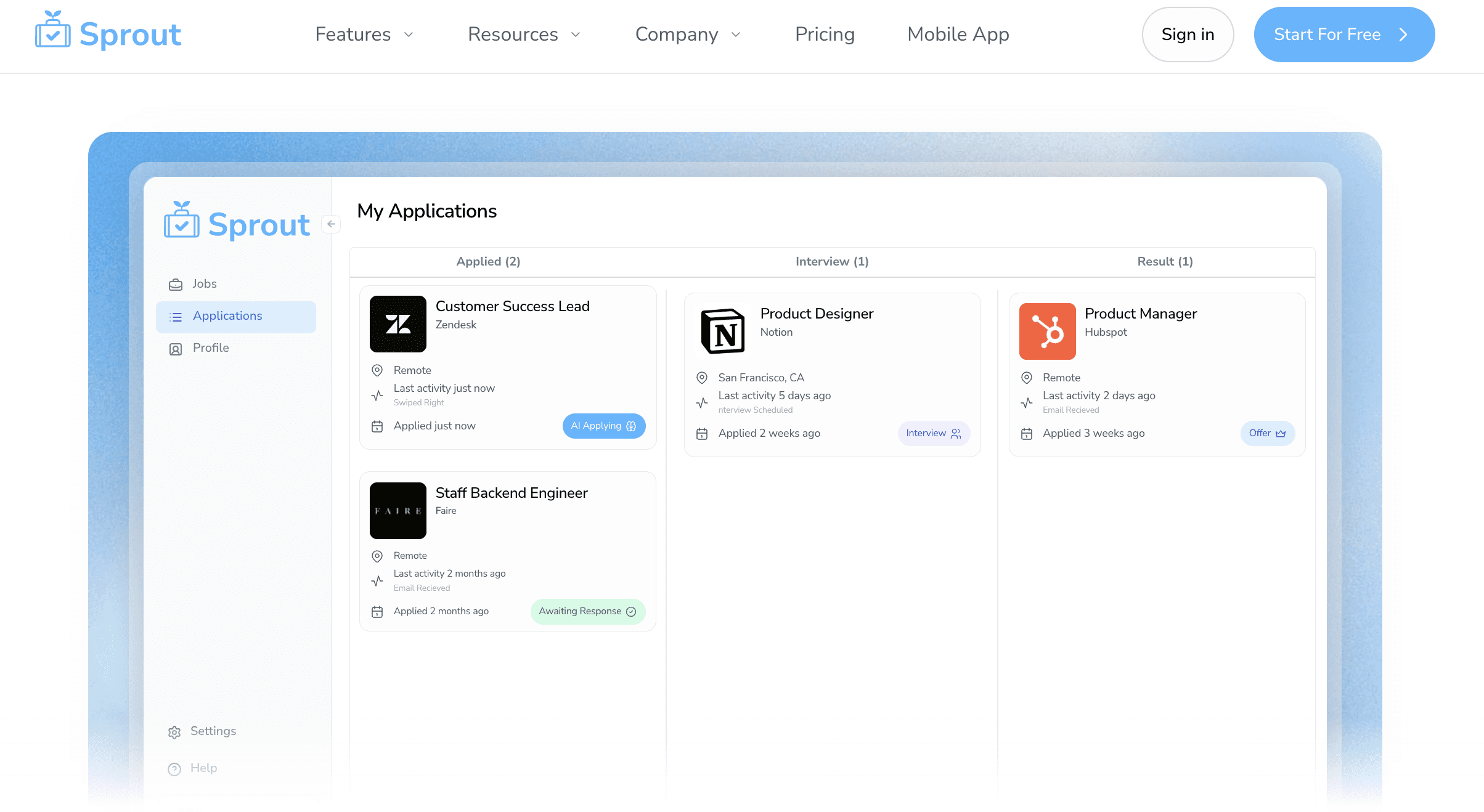
Total Transparency: You get a unified view to track exactly which tailored resume version went to which company.
Good for: Job seekers who want to apply to many roles quickly while keeping a polished, customized resume and cover letter for each application, instead of sending the same generic version everywhere.
Limitations: Works best when you have a solid base of experience and some clarity on your target roles; if your work history is very limited or unfocused, you may still need to refine your career story and goals outside the tool.
Bottom Line: Sprout delivers the best mix of automation and customization. If you want to apply to more jobs without sacrificing the quality that gets you interviewed, this is your answer.
LazyApply
LazyApply works like a battering ram for job boards. This Chrome extension handles repetitive clicking on sites like LinkedIn and Indeed, similar to how Sprout auto apply works, but with less customization.
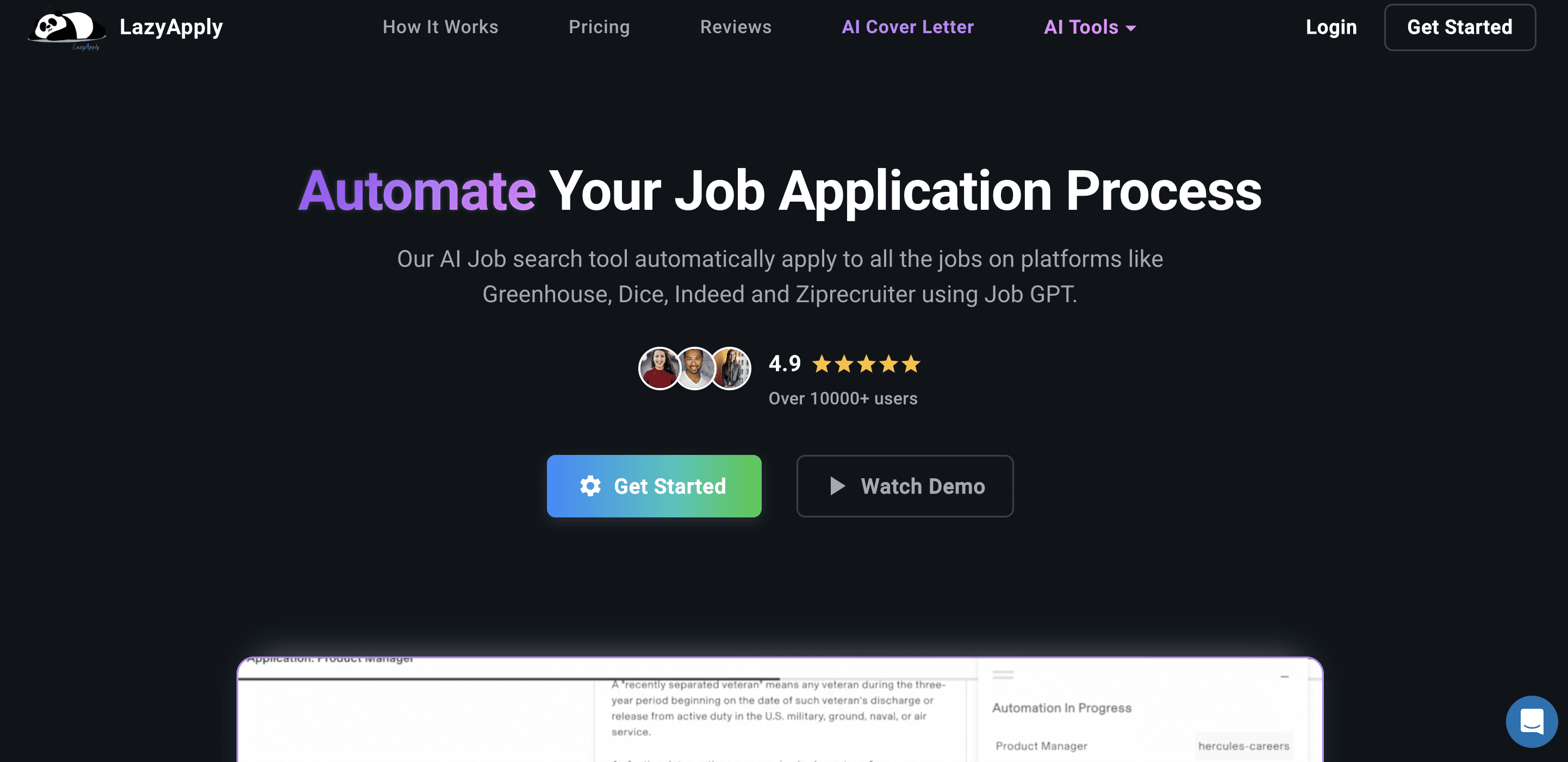
If you want to flood the market with your profile, this tool automates that process.
Automated Form Filling: Pulls data from your profile to complete application fields.
Lifetime Pricing: Uses a one-time fee structure between $99 and $249 instead of monthly subscriptions.
AI Cover Letters: Creates basic text to attach to your submissions.
Good for: Candidates who want volume. It's a good fit if you plan to submit hundreds of LinkedIn "Easy Apply" applications daily.
Limitation: It falls apart on external company portals. The tool rarely works well with complex systems like Greenhouse or Workday, where many high-paying jobs sit. You also send a generic file to every employer, meaning you miss out on the specific keyword tailoring needed to pass strict ATS filters.
Bottom Line: LazyApply supports high-volume, generic blasting. Sprout focuses on precision by accessing verified listings and customizing your resume to each specific role.
JobCopilot
JobCopilot leans into automation by scanning career pages and handling the form-filling for you. It aims to eliminate the manual labor of applying to company websites.
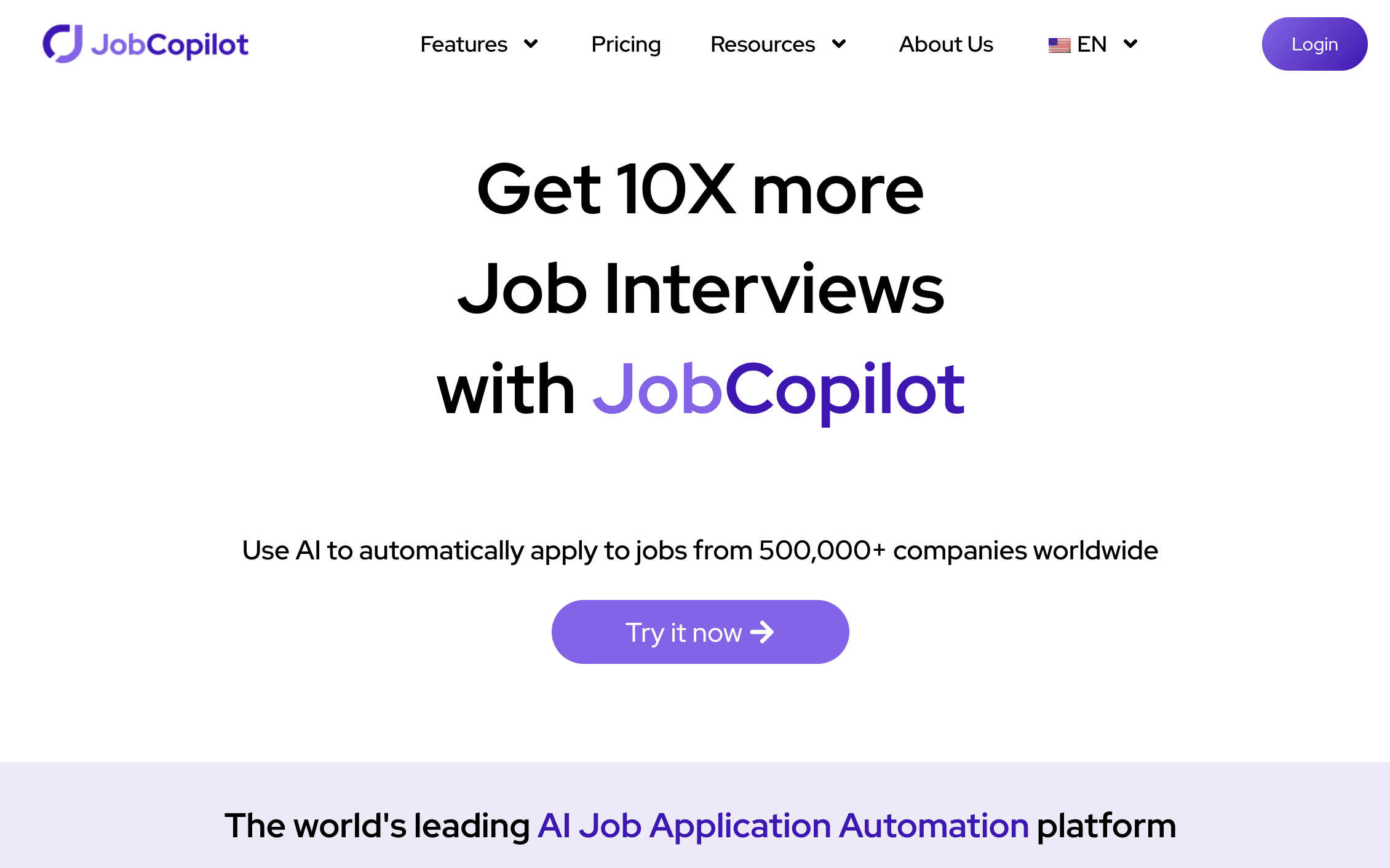
What They Offer
Volume: Submits up to 50 automated applications per day.
AI Writing: Generates cover letters and answers screening questions.
Search Filters: Let's you set parameters for salary and location.
Good for: Job seekers looking to automate discovery on company sites instead of relying on LinkedIn.
Limitation: The biggest issue is customization. JobCopilot sends the exact same resume to every employer. It does not align your skills with the job description, so you miss out on ATS ranking opportunities. Sprout offers a distinct advantage here by dynamically tailoring your resume for every single application to match the specific job requirements.
Bottom line: JobCopilot is good for high-volume, low-touch applications, but it treats your resume as a one-size-fits-all file. Sprout automates applications and also rewrites and restructures your resume and cover letter for each role so you can actually rank higher in ATS and stand out to recruiters.
Simplify
Simplify operates as a browser extension, not a standalone builder. It hangs out in your browser to help fill out repetitive forms on external job boards, cutting down on data entry.
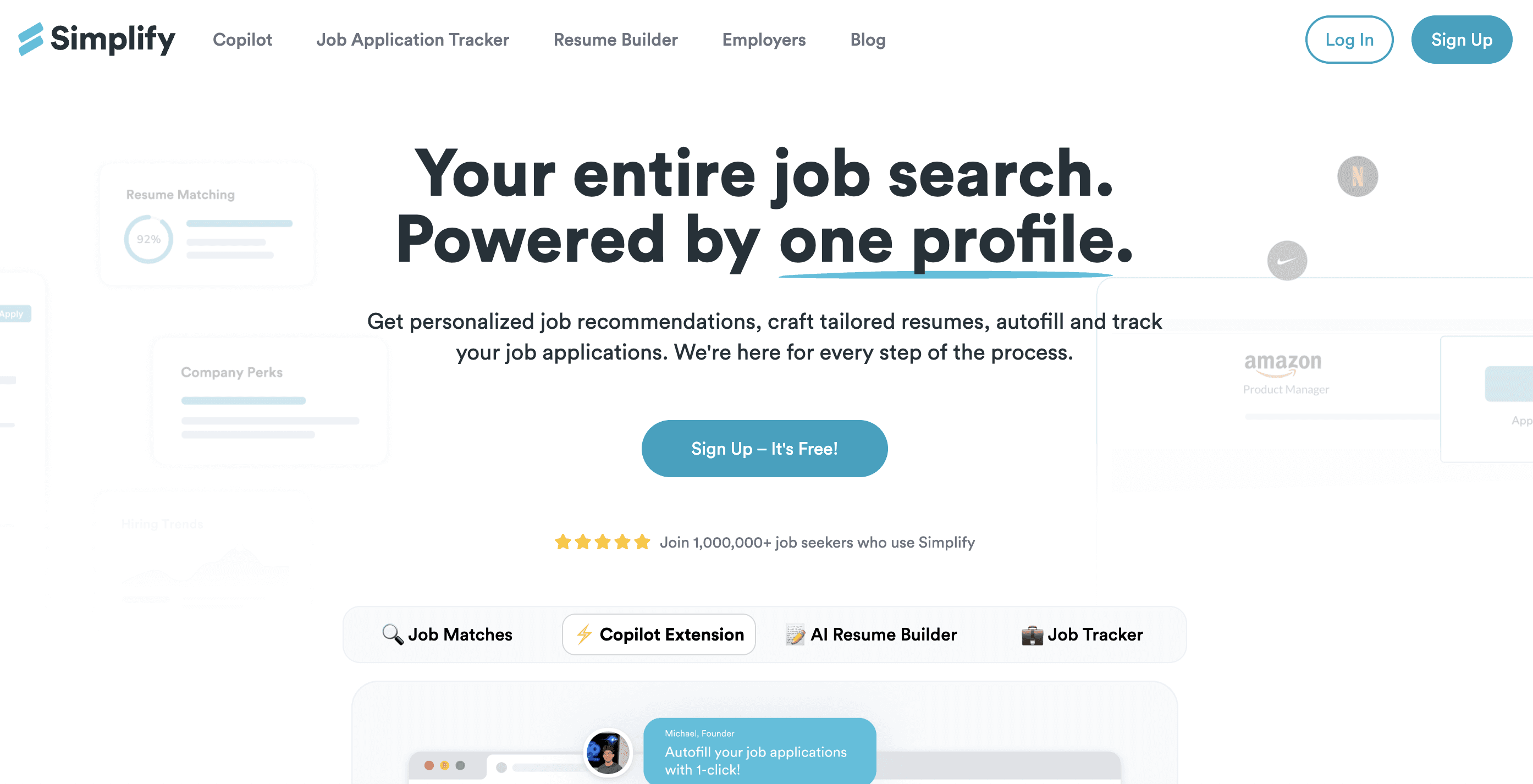
What They Offer
Smart Autofill: Populates fields on common systems like Workday and Greenhouse.
Keyword Suggestions: Scans your resume against a job description to flag missing terms.
Dashboard: Keeps a log of where you applied.
Response Drafting: Generates text for open-ended screening questions.
Good for: Job seekers who already have a solid, optimized resume and mainly want help speeding through repetitive application forms on third-party job boards.
Limitation: Simplify is a form-filler, not a resume optimizer. It doesn't fundamentally rewrite or reformat your resume to match specific job requirements. You still have to do the manual hunting and clicking. The generated answers for screening questions also tend to read like generic robot text.
Bottom line: Simplify removes some friction from data entry, but it stops at autofill and light keyword hints, while Sprout actually rewrites, restructures, and formats your resume and cover letters for each role so you can stand out and perform better with ATS filters instead of just applying faster.
Feature Comparison Table of ATS-Friendly Resume Builders
Specs matter. Most tech in this space acts like a glorified form-filler. That works fine if you want to fire off generic applications into the void. But beating an applicant tracking system requires content that fits the specific role, not a spray-and-pray approach. Here is how the top resume builder tools compare in terms of ATS optimization and formatting capabilities.
Feature | Sprout | LazyApply | JobCopilot | Simplify |
|---|---|---|---|---|
Automatic keyword alignment | Yes, embeds job-specific terms naturally | No, same resume for all applications | No, same resume for all applications | Keyword suggestions only |
Role-specific resume tailoring | Yes, customized for each job | No | No | No |
ATS-friendly formatting | Yes, standardized headers, clean layouts | Basic resume parsing | Basic resume parsing | Resume optimization suggestions |
Job discovery | Yes, aggregated listings from company pages | Manual browsing required | Yes, scans 500k+ companies | Manual browsing required |
One-click application | Yes, swipe to apply | Yes, for Easy Apply only | Yes, up to 50/day | No, autofill assistance only |
Application tracking | Yes, unified dashboard with status | Yes, analytics dashboard | Yes, application tracker | Yes, centralized tracker |
Works on company career pages | Yes | No, Easy Apply only | Yes | Yes, with autofill |
Why Sprout is the Best ATS-Friendly Resume Builder
Beating the bot isn't about hiding white text in your footer. That strategy fails hard in 2025. Sprout attacks the problem with volume and precision. We rebuild your resume for every application, vs. sending the same generic PDF 500 times.
Formatting makes or breaks your application. We use standardized layouts without columns or graphics that confuse parsers. Then comes semantic matching. Our AI scans the job description, identifies critical skills, and integrates them directly into your experience bullets. You get the speed of automation with the quality of a manual rewrite.
Competitors like LazyApply rely on mass applying generic documents. Simplify acts as a glorified autofill. Sprout tailors the actual content to match the specific job query. This ranks you higher in the software and gets you noticed by the human on the other side.
Final Thoughts on ATS-Friendly Resume Tools
You can play the numbers game with generic docs, or you can actually try to get the job. Sprout is a resume builder that focuses on quality. We make sure every document is a fully tailored, ATS-friendly resume designed to pass the specific filters of the company you are eyeing.
Competitors like LazyApply and JobCopilot offer volume, but volume means nothing without customization. Sending a static resume to a unique job listing is a waste of time because it lacks the keywords the applicant tracking system hunts for. Simplify helps with data entry, but it leaves you stuck with manual writing and resume formatting.
Sprout does the hard work for you. We dynamically adjust your content based on the job description to maximize ATS optimization. It is the smartest way to stop guessing and start getting interviews.
Once you land that interview, knowing when to send a follow-up email can make the difference in securing an offer. And if you're targeting remote positions, check out our guide on how to get a remote job and keep it.
FAQs
How do I choose the right ATS-friendly resume builder for my job search?
Start by deciding whether you value volume or quality. If you want to blast hundreds of generic applications, tools like LazyApply work fine. If you want each resume tailored to match specific job keywords and pass strict ATS filters, pick a builder like Sprout that rewrites your content for every role instead of sending the same static file everywhere.
Which resume builder works best for beginners versus experienced job seekers?
Beginners benefit from tools that handle the entire workflow, job discovery, tailored resume creation, and application tracking in one place. Experienced professionals applying to senior roles need keyword alignment and role-specific prioritization to rank higher in ATS scans. Sprout covers both by automatically adjusting content based on job seniority and industry requirements.
Can I use the same resume for multiple job applications and still pass ATS?
No. Sending identical resumes guarantees you miss interviews because 88% of employers filter candidates based on job-specific keywords. ATS software ranks applications by how closely your skills match the listing. You need a builder that scans each job description and embeds those exact terms into your experience bullets naturally.
What's the difference between autofill tools and actual resume optimization?
Autofill extensions like Simplify save time on data entry but leave your resume content unchanged. Resume optimization tools rewrite your bullets, reorder your skills, and inject job-specific keywords to boost your ATS ranking. The first approach speeds up form-filling; the second approach gets you past the filter and into the interview pile.
When should I stop using generic resume templates?
The moment you apply to jobs online. If a company uses ATS software, which 99% of Fortune 500 firms do, generic templates with columns, graphics, or text boxes scramble your data during parsing. Switch to a builder that uses standardized headers, simple fonts, and clean layouts so the software can actually read your qualifications.