


Summary
Compare the best mobile job search apps in December 2025. Find apps with swipe-to-apply, AI resumes, ATS formatting, and real-time sync for applying from your phone.
If you're searching for jobs in 2025, you’re probably doing a large portion of it on your phone. Mobile job search apps have become a must-have for people who want to browse listings, submit applications, and stay organized on the go. But not all tools are equally effective on mobile. Some automate too much and send identical applications, while others require time-consuming manual edits for every role.
The challenge is finding an app that lets you apply quickly without sacrificing personalization, which is still the biggest factor in getting noticed by hiring managers.
TLDR:
Mobile job search apps can help you browse, apply, and track applications directly from your phone.
Sprout offers a mobile-first experience with AI-tailored resumes and cross-device sync.
LazyApply and Simplify focus more on desktop automation through browser extensions.
Teal is strong for resume building and organization but isn’t optimized for mobile applications.
For job seekers who prioritize applying from their phone, apps with true mobile interfaces and real-time sync provide the best experience.
What Are Mobile Job Search Apps?
Mobile job search apps let you find and apply to jobs directly from a smartphone. They’re designed for people who want to review roles during commutes, follow up on applications throughout the day, or manage their job search without relying on a laptop.
Modern apps do more than display job listings. Many now include:
One-tap or swipe-to-apply functionality
Resume and cover letter generation
Application tracking
AI-powered role recommendations
For anyone managing multiple applications, these features reduce friction and help you stay responsive to new opportunities.
How We Evaluated Mobile Job Search Apps
This comparison is based on publicly available information from each provider. We focused on factors that matter for mobile job searching, including:
Cross-device sync: Does your progress update across phone and computer?
Mobile usability: Is the app (or site) easy to navigate on a smaller screen?
Application speed: Can you apply quickly while still customizing materials?
Customization: Are resumes and cover letters tailored for each role? With 83% of companies expected to use AI for resume screening by 2025, ATS-friendly formatting has become more critical than ever.
Tracking: Is your application status clearly organized in one place?
These criteria help separate simple listing browsers from apps that support the full application process.
Best Overall Mobile Job Search App: Sprout
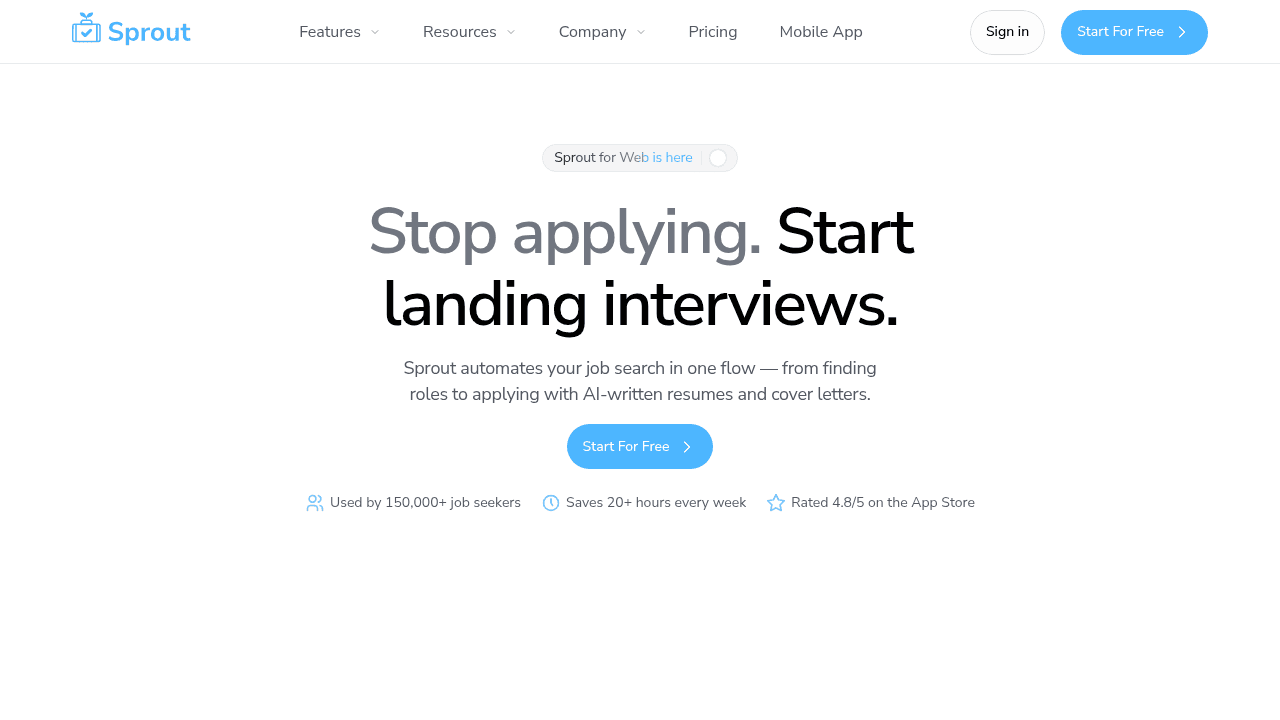
Sprout is a mobile-first tool: It was built for job seekers who want to apply quickly from their phone without sending generic applications. The platform uses AI to generate tailored resumes and cover letters based on each job description, which helps balance speed with personalization.
The mobile and web versions sync in real time, so updates made on one device appear instantly on the other. A unified dashboard tracks application statuses, interviews, and follow-ups.
What Sprout Offers
Mobile-optimized swipe-to-apply
AI-generated, role-specific resumes and cover letters
Real-time sync across devices
Job listings sourced directly from verified career pages
Best for: Job seekers who want a mobile-first workflow and prefer quick applications that still maintain a level of customization.
Bottom line: Sprout provides an easy-to-use mobile experience with built-in personalization tools, making it a strong choice for people applying mainly from their phones.
LazyApply
LazyApply is a desktop-focused automation tool that operates through a Chrome extension. It autofills job applications on LinkedIn, Indeed, and other platforms and can answer screening questions using AI.
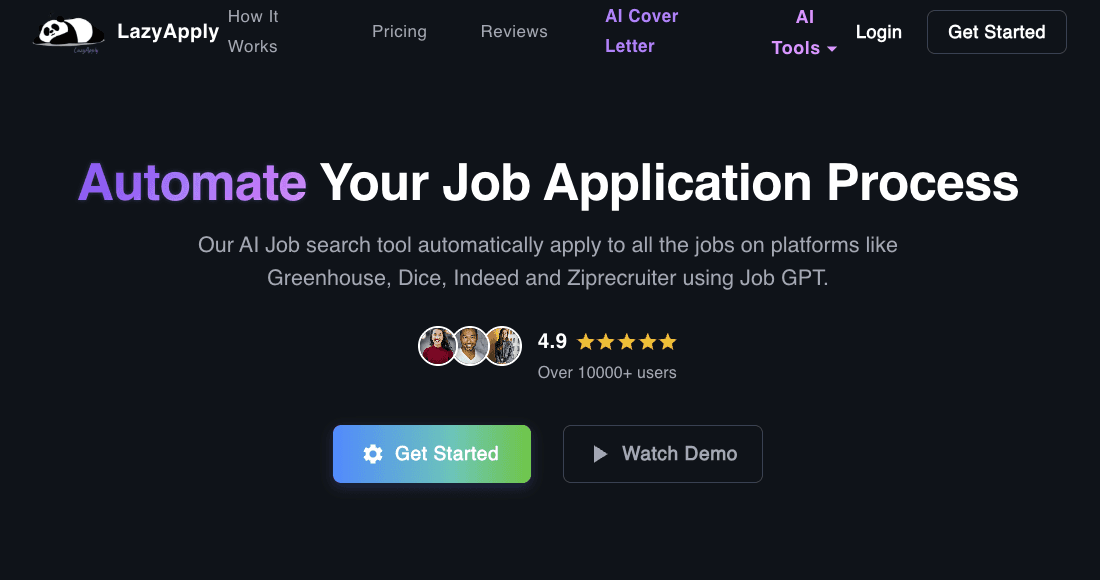
What LazyApply Offers
Chrome extension for automated form filling
AI support for screening questions
High-volume automated submissions
Analytics and basic resume tips
Best for: Job seekers focused on maximizing volume through desktop “Easy Apply” roles.
Limitation: LazyApply does not offer dedicated mobile apps, and the extension-based approach is difficult to use effectively on phones. Some users report occasional errors in autofilled responses, which may require manual correction.
Bottom line: Suitable for desktop automation, but not ideal for mobile job searching or for tailoring applications.
Simplify
Simplify provides autofill tools and an application tracker through a browser extension, with a focus on speeding up repetitive form entries.
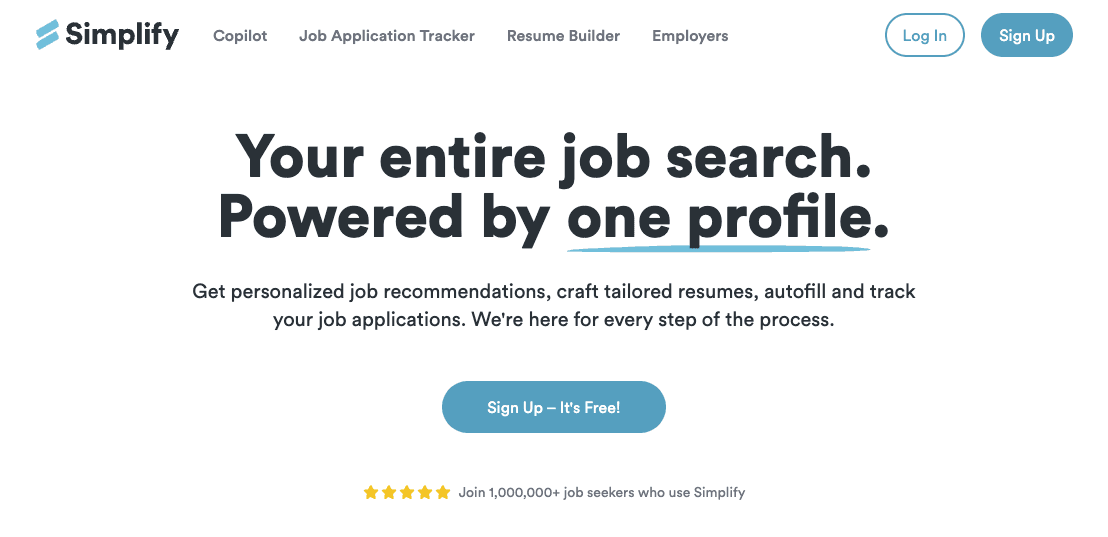
What Simplify Offers
One-click form autofill across many ATS systems
Chrome extension
Application tracker
AI keyword matching
Best for: Desktop users who want help navigating repetitive forms on traditional job sites.
Limitation: Simplify does not provide native mobile apps, and mobile browsers offer a less efficient experience for autofill. Autofill may not always work on niche or less common ATS platforms. Some advanced features require a Simplify+ subscription.
Bottom line: A helpful desktop tool for streamlining repetitive forms, but not optimized for mobile-first job seekers.
Teal
Teal is a career management tool that centralizes job tracking, resume customization, and LinkedIn optimization.
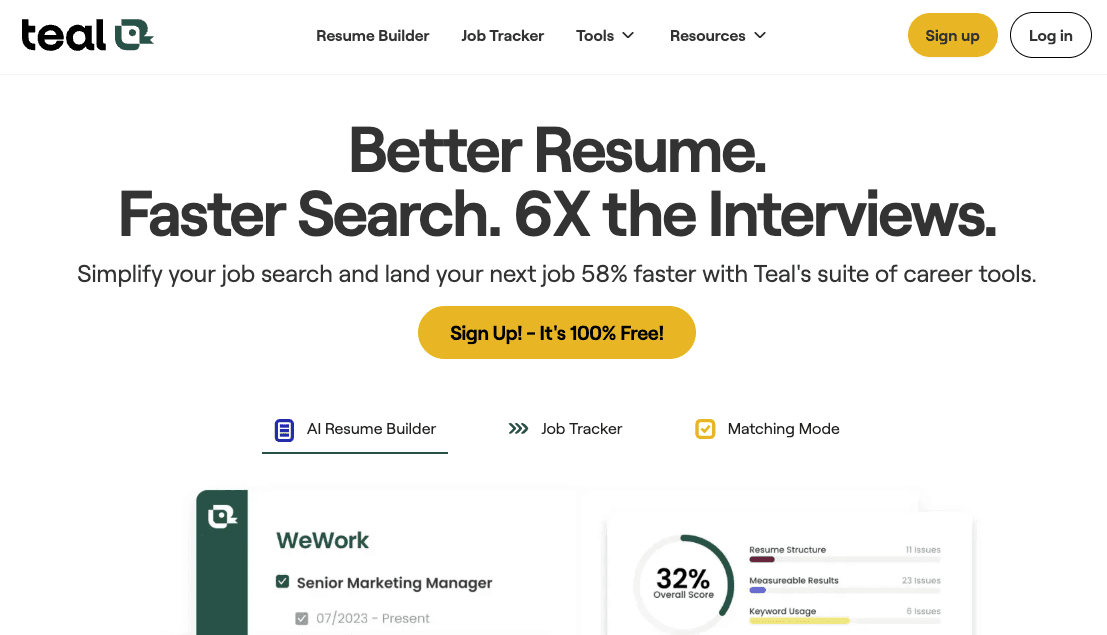
Core Features
AI resume builder with keyword alignment
Chrome extension for saving listings
Cover letter generator
LinkedIn profile review tools
Best for: Job seekers who want a strong resume builder and organizational tools.
Limitation: Teal doesn’t currently offer native mobile apps, and its mobile web experience is less suited to applying on the go. Applications still need to be manually submitted on external job sites.
Bottom line: Great for preparing materials and staying organized, but not built around mobile application submission.
Feature Comparison Table of Mobile Job Search Apps
Here's how these apps compare on the features that matter most when searching for jobs from your phone:
Feature | Sprout | LazyApply | Simplify | Teal |
|---|---|---|---|---|
Native Mobile Apps | Yes | No | No | No |
Swipe-to-Apply Interface | Yes | No | No | No |
AI-Tailored Resumes Per Job | Yes | No | Limited | Yes |
ATS-Friendly Formatting | Yes | Basic | Limited | Yes |
Real-Time Cross-Device Sync | Yes | No | Limited | Limited |
Unified Application Tracker | Yes | Basic | Yes | Yes |
Verified Job Listings | Yes | No | No | No |
Why Sprout Stands Out for Mobile Job Searching
Among the tools reviewed, Sprout offers the most complete mobile-first experience.
The native apps, AI-powered customization, and real-time sync create a workflow designed for applying from your phone while still supporting desktop use when needed. This mobile-first approach is increasingly important, as mobile-optimized application systems show 45% higher completion rates than desktop-focused alternatives.
Users who prioritize mobile speed paired with tailored applications may find Sprout the most complete option.
Final Thoughts: Choosing the Right Mobile Job Search App
The right mobile job search app should help you apply efficiently while still producing high-quality, personalized applications. Native mobile functionality, cross-device sync, and clear tracking make the process smoother, especially for job seekers submitting dozens of applications each week.
If you're looking for a mobile-first, AI-assisted application tool with automatic resume tailoring, Sprout is the tool for you.
FAQ
How do mobile job search apps sync between devices?
Most mobile job search apps use cloud-based syncing so your saved jobs, applications, and updates appear across devices automatically.
What makes a resume ATS-friendly?
ATS-friendly resumes use clear formatting, standard section headers, and naturally integrated keywords from the job description. They avoid tables, images, or unusual layouts that might confuse parsing systems. Sprout automatically optimizes resumes for ATSes.
Can I customize my resume for each job on mobile?
Sprout automatically extracts keywords directly from each job description and rewrites your experience bullets so they incorporate relevant terms. It also reorders your skills and sections based on what the job description itself prioritizes.