


Summary
Learn how to mass apply for jobs in February 2026 with strategies that work. Get 10% response rates with ATS-friendly resumes and smart automation tools.
You've probably spent the last few weekends tailoring your resume for different roles, only to watch those applications disappear without a trace. The math is brutal right now: most job seekers send between 32 and 200 applications before landing an offer. Learning how to mass apply for jobs means building a system that scales your effort without killing your response rate.
TLDR:
Mass applying works when done right: expect a 10% response rate in tech, meaning 1 callback per 10 apps.
ATS systems filter 98.4% of Fortune 500 applications, so use standard headers and job-specific keywords.
Applying to 21-80 jobs yields 30.89% offer rates versus just 20.36% for 81+ applications.
Indeed delivers 20-25% response rates while LinkedIn sits at 3-13% and company sites at 2-5%.
Some modern systems automate tailored resumes and cover letters for each role while maintaining ATS-friendly formatting.
Understanding Mass Job Applications in 2026
Mass applying means submitting applications to multiple jobs quickly, often dozens or hundreds of positions in a short timeframe.
The numbers tell the story. Job seekers now submit 32 to 200+ applications before landing an offer, while most online applications yield just a 0.1% to 2% success rate. When your odds are that low per application, volume matters.
The Reality of Application Response Rates

Understanding what counts as a good response rate helps you measure whether your search is on track or needs adjustment. For tech roles especially, expect about a 10% response rate, meaning one recruiter screen or initial interview for every 10 applications you submit.
How Applicant Tracking Systems Filter Your Applications
Most job applications never reach human eyes. 98.4% of Fortune 500 companies use an ATS, which scans your resume for keywords from the job description, parses your work history into database fields, and ranks candidates by match scores.
To pass these filters, use standard section headers like "Work Experience" and "Education," simple fonts, and mirror language from the job posting. Include relevant keywords naturally within your accomplishment bullets. The ATS looks for context around those terms to verify you actually used those skills.
Strategic Ways to Apply to Multiple Jobs at Once
Random applications to every open role waste time and hurt your response rate. A better approach groups similar positions together and customizes your materials within those clusters.
Start with a base resume that captures your full work history, then create two or three variations for different job families. Use job board filters to batch applications by company size, industry, or seniority level.
Group your search by role type instead of applying to whatever appears first.
AI Tools and Auto Apply Technology
Auto apply tools break down into three types: browser extensions that autofill forms while you browse, standalone apps that apply in the background, and native features built into job boards.
Extensions like SimplifyJobs detect application forms and populate saved data. The best job searching tools offer different approaches to automation. You still visit each posting manually, but the tool handles fields. Standalone services like Sprout, LazyApply, and Sonara go further by finding jobs and submitting without clicks.
Tool | Automation Type | Customization Approach |
|---|---|---|
Sprout | Standalone app with job discovery and auto-submit | Tailors resume and cover letter to each job with ATS-friendly formatting and job-specific keywords |
SimplifyJobs | Browser extension for form autofill | Populates saved data while you manually browse each posting |
LazyApply | Standalone service with background submission | Submits applications without manual clicks |
Sonara | Standalone service with background submission | Finds and submits jobs automatically |
When picking a tool, check if it customizes resumes per job, works across boards, and lets you review before sending.
Tailoring Applications at Scale
The trick to scaling personalization is building reusable blocks instead of rewriting from scratch each time. Start by identifying three to five core achievements from your work history that showcase different skills. Write each as a bullet point with metrics, then adapt the framing based on what each job description asks for.
For example, if you led a project that improved customer satisfaction, that same accomplishment can angle toward communication skills for one role, project management for another, or data analysis for a third. The underlying story stays the same while the emphasis changes.
Building Your Job Application System
Treating job searching like a project means setting up repeatable processes that keep you organized. Start with a job application tracker that logs company name, role title, application date, and status. Google Sheets works fine, or use a dedicated tool that syncs across devices.

Block out specific hours each day for applications. Set a weekly target based on your response rate. If 10% of submissions lead to callbacks, applying to 20 roles per week gives you realistic odds of interviews.
Batch similar tasks together: research companies one day, tailor resumes the next, submit applications after. This reduces context switching and maintains momentum without burnout.
Optimizing Your Resume for Maximum Visibility
Skip fancy graphics and multi-column layouts that confuse ATS parsers. Stick with single-column Word docs or clean PDFs, using standard headers and consistent spacing throughout.
Start each bullet with action verbs tied to results. Instead of "Responsible for social media," write "Increased follower engagement by 40% across three channels in six months." Numbers carry weight and make scanning easier for both software and recruiters.
Place your most relevant skills near the top. If a job wants Python and SQL, those keywords should appear in your summary or first few bullets, not buried on page two. AI resume checkers can help you verify your keyword placement.
Where to Focus Your Application Efforts
Not all job boards perform equally. Indeed delivers response rates between 20-25%, making it the highest-converting channel for most job seekers. LinkedIn sits lower at 3-13%, while company career pages typically yield just 2-5%.
Industry matters too. Healthcare and education roles can hit response rates near 20%, while finance hovers around 11%. Tech positions often land at 5% or below.
Pick two or three boards that match your industry's response patterns, then work those channels hard. You can also find jobs based on your resume to target positions that match your background. Track which sources actually lead to interviews in your own search, then double down on what's working for you.
Managing Follow-Ups at Scale
Following up on dozens of applications sounds exhausting, but the right system makes it manageable without chasing every submission.
Wait one to two weeks after applying before sending a follow-up. Anything sooner risks looking pushy, while longer delays lose relevance. Your message should stay under four sentences: reference the role, restate your interest, mention one relevant qualification, and ask about next steps.
Track follow-ups in the same spreadsheet where you log applications. Add columns for follow-up date and response received. Focus your energy on roles where you meet most requirements and truly want the job.
Avoiding Common Mass Application Mistakes
The fastest way to tank your response rate is treating all applications identically. Rushing through volume creates patterns that recruiters spot instantly.
Applying to roles where you miss half the requirements wastes everyone's time. Job application automation works best when you set clear targeting filters first. If the posting asks for five years of experience and you have two, move on. Stretch applications dilute your focus from positions where you actually compete.
Forgetting to swap out company names in cover letters signals carelessness. Even auto-generated materials need a quick scan before hitting submit.
Ignoring whether you'd actually accept an offer burns goodwill. Filter jobs by deal-breakers first, then apply within those boundaries.
Submitting 100 applications in one day feels productive but leads to rapid burnout. Pace yourself at sustainable daily targets that leave room for quality checks.
Balancing Quality and Quantity in Your Job Search
More applications don't always equal better odds. Job seekers who apply for 21 to 80 jobs have a 30.89% chance of receiving an offer, while those submitting 81 or more see that rate drop to just 20.36%. Diminishing returns kick in when volume replaces fit.
Your sweet spot sits between those extremes. Track your success rate weekly and adjust based on feedback. Getting callbacks? Keep your pace. Applications disappearing into silence? Pull back and refine targeting before ramping up again.
How Sprout Changes Mass Applying into Strategic Job Search
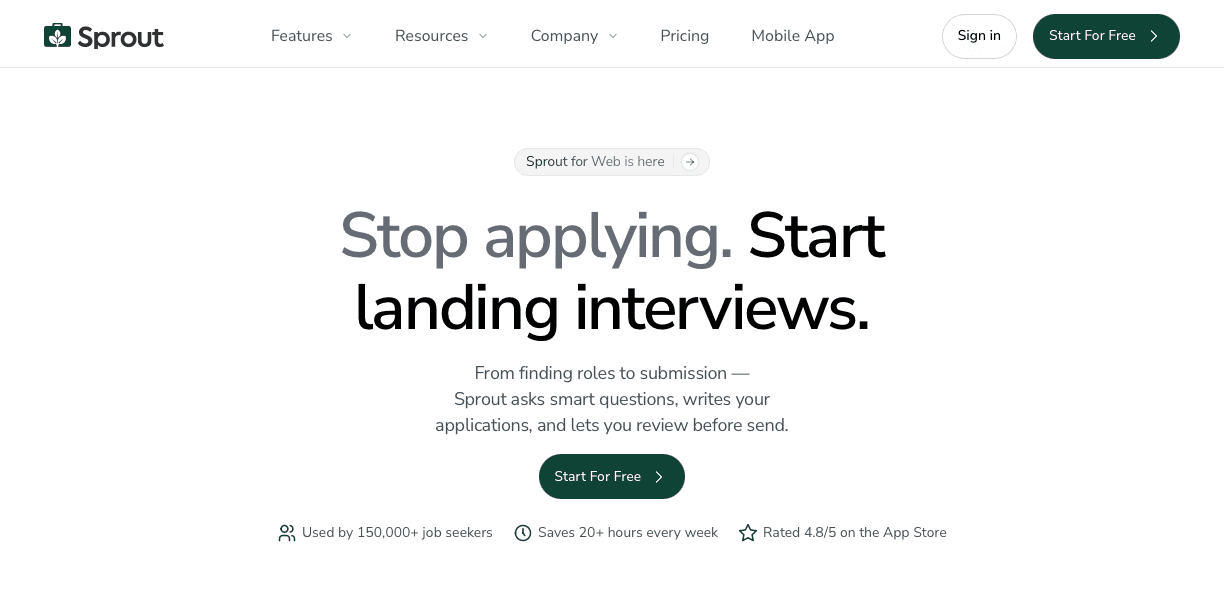
Sprout solves the volume-versus-quality problem by automating what takes hours manually. You swipe through job listings, and Sprout auto apply generates tailored resumes and cover letters for each role, matching keywords and focusing on relevant skills automatically.
Each application gets ATS-friendly formatting with clean parsing, standard headers, and keyword alignment pulled directly from that job description. You can apply to 100+ positions without copy-pasting or rewriting bullets, while every submission still reads like you crafted it for that company.
The unified dashboard tracks every application in one place, showing which resume went where and what status each sits at. This gives you the speed of mass applying with the personalization that generates callbacks.
FAQs
How many job applications should I submit before adjusting my strategy?
Track your response rate after every 20-30 applications. If you're getting fewer than 2-3 callbacks from 20 submissions, pause and refine your targeting or resume before continuing to apply in bulk.
When should I follow up after submitting a mass application?
Wait 1-2 weeks after applying before sending a follow-up message. Keep it under four sentences: mention the role, restate your interest, accentuate one relevant qualification, and ask about next steps.
Why do my application numbers drop off after 80+ submissions?
Research shows success rates decline from 30.89% (21-80 applications) to 20.36% (81+ applications) because high volume often means you're applying to roles where you're not a strong fit, which dilutes your quality and tanks your response rate across the board.
Final Thoughts on Mass Job Applications
Mastering how to mass apply for jobs means scaling your applications without sending the same resume everywhere. Volume only works when each submission matches the role and passes ATS filters. Sprout helps you apply at scale with tailored resumes and cover letters built for every listing. If you want speed without hurting your response rate, start using Sprout and turn mass applying into real interview momentum.