


Summary
JobCopilot review for May 2026: pricing runs $39-$56 monthly, auto-apply features, user ratings, and better alternatives for job seekers applying at scale.
Maybe you've seen JobCopilot ads promising hundreds of applications with minimal effort, or you've read mixed reviews and want to know what's real. The tool automates job applications at scale, but that volume approach raises questions about quality and fit. This JobCopilot review digs into how it actually performs, what JobCopilot pricing costs you per month, and which JobCopilot alternatives give you more control if full automation feels like too much of a gamble.
TLDR:
JobCopilot automates job applications across 500,000+ career pages with resume tailoring and AI mock interviews, but users report autofills with wrong information creating more manual work instead of decreasing it.
Pricing starts at $28/month with no free trial, though a 7-day money-back guarantee applies.
Full auto-apply mode tends to generate poor response rates; review mode improves results but cuts into time savings.
The tool fits early-career job seekers casting a wide net, but breaks down for precision targeting where tailored applications matter.
Tools like Sprout that scan job descriptions for repeated keywords, flag missing terms in your resume, and track applications can help you apply at scale without sacrificing ATS compatibility.
What Is JobCopilot?
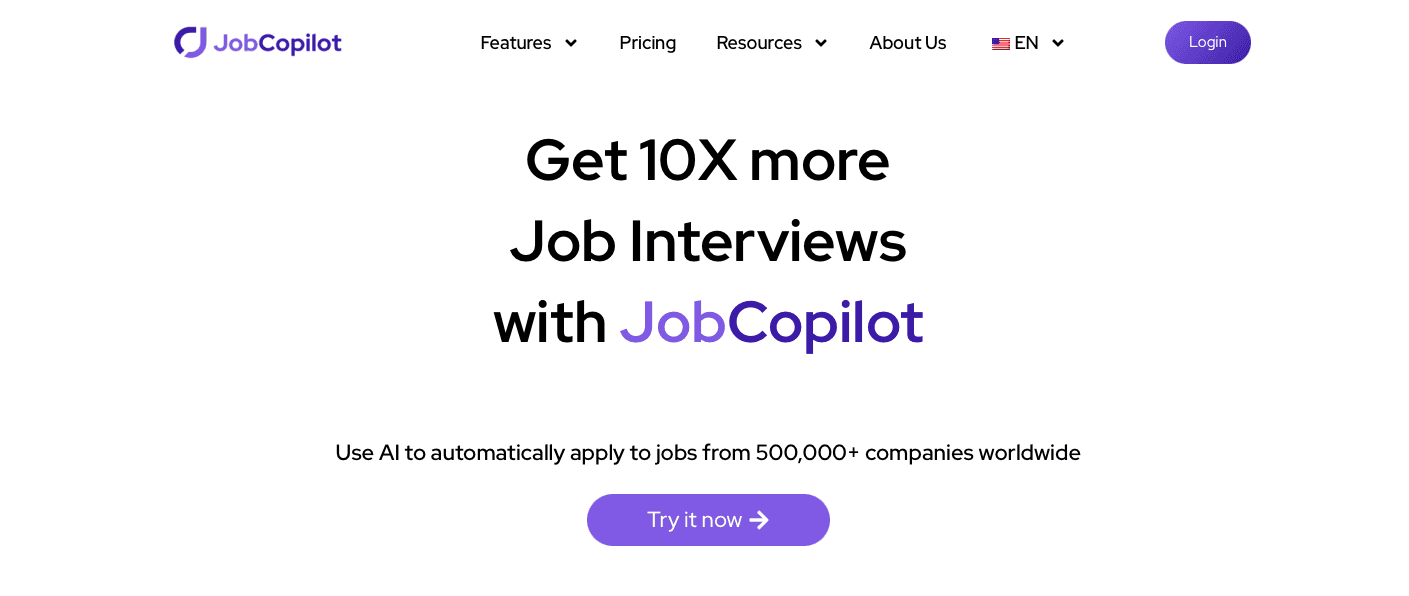
JobCopilot is an AI tool that automates job applications across multiple job boards. Users upload their resume, set job preferences, and the tool searches and submits applications automatically. The appeal is speed: JobCopilot handles repetitive form-filling in the background so you can apply at high volume without touching each listing individually.
How JobCopilot Works
Setup takes a few minutes. You upload your resume, answer standard screening questions covering notice period, salary expectations, and work authorization, then set filters for job titles, locations, seniority, and industries.

Once configured, the AI scans career pages every few hours for new matching postings and generates application responses based on your stored profile and each job description. You can review applications before they go out or let the tool submit them automatically. A tracking dashboard logs where you've applied and the current status of each submission.
JobCopilot Features
JobCopilot scans more than 500,000 career pages and ATS listings every four hours, filling out applications the way a person would instead of injecting raw data into form fields:

Resume and cover letter generation customized to each job posting, so you are not sending the same generic document to every employer
Job matching based on your stored preferences and uploaded resume, surfacing roles that fit your background instead of flooding you with irrelevant listings
AI mock interviews using a roleplaying chatbot for behavioral and technical scenarios, giving you a way to rehearse before the real thing
Hiring manager outreach with direct email access to support follow-ups after you apply
A Kanban-style dashboard to track every submission by stage, so you can see where each application stands at a glance
According to Adzuna's JobCopilot feature overview, the mock interview prep and hiring manager outreach tools are among the more distinctive additions in the suite, separating JobCopilot from tools that only handle the application submission itself.
JobCopilot Pricing
JobCopilot bills weekly instead of monthly, which can make the cost appear lower than what you actually spend over a month. There is no free trial, so you pay upfront from day one, though both plans include a 7-day money-back guarantee.
Plan | Per Week | Per Month (approx.) | Copilots | Daily Application Limit |
|---|---|---|---|---|
Premium | $6.51 | ~$28.83 | 1 | Up to 20 |
Elite | $7.35 | ~$32.55 | 3 | Up to 50 |
According to 6figr's 2026 pricing breakdown, students with verified student status get 50% off any plan across weekly, monthly, and quarterly billing cycles.
User Reviews and Ratings
JobCopilot has a mixed reputation. On Trustpilot , it holds a 3.8 out of 5 rating, Reddit feedback follows the same pattern: users value the time saved, but auto-fill frequently misses context-specific fields and requires manual cleanup.
Users who get the most out of it tend to be early in their search, casting a wide net. Those targeting more selective positions often find the lack of tailoring works against them as response rates stay flat.
Volume vs Quality Trade-Off
Full auto-apply mode feels productive but tends to produce negligible results. Generic submissions often struggle to generate responses because they fail to reflect the specific requirements of each role. While review mode can improve application quality, tools that automatically tailor resumes and applications to individual job descriptions offer a more scalable way to improve fit without adding manual work.
Common Problems and Complaints
Job matches occasionally surface outdated or already-filled listings.
Cancellation has been a pain point, with some users reporting charges continuing after they closed their account.
Auto-apply works inconsistently across job boards, with some applications going to roles outside stated preferences.
Customer support is slow; users report waiting several days for replies while mid-search.
Resume customization reads generic to many reviewers, requiring substantial editing before it reflects the actual job description.
Who Should Use JobCopilot
JobCopilot works best for job seekers who value volume over depth, early in a search, casting a wide net, and wanting to spend less time on repetitive form-filling.
A few profiles where it tends to make sense:
Entry-level candidates applying broadly across similar roles who want to cover ground quickly.
Career changers testing the waters across multiple industries, where response volume helps clarify which directions are gaining traction.
Job seekers with limited time who want to automate submissions and focus energy on interview prep.
It breaks down when precision matters. In those situations, the challenge isn't automation itself, it's whether the application is tailored to the role. Tools that automatically analyze job descriptions and customize application materials can provide the speed benefits of automation while improving relevance. An eye-tracking study on recruiter resume review found recruiters spend about seven seconds on the initial screen. A form auto-filled without role-specific language may not hold up in that window. Users consistently report that the resume output requires substantial editing before it reads naturally.
JobCopilot Alternatives
When weighing alternatives to JobCopilot, the right pick depends on how much control you want to keep versus how much you want to hand off.
Sprout: Sprout takes a different angle entirely. Where most auto-apply tools treat volume as the goal, Sprout focuses on increasing your interview rate: besides tailoring your resume and cover letter, it helps you fill the gaps in your professional profile based on the job's description. As you use Sprout more, the applications keep getting better.
Simplify: A browser extension that autofills applications as you browse job boards. You pick each role; it handles the form. More user control than JobCopilot, less automation overall.
LazyApply: One-click mass apply across LinkedIn and other boards with minimal setup. Volume is the entire pitch, which means it faces the same tailoring trade-offs JobCopilot does, arguably more so.
Teal: No auto-submit at all. Teal tracks and organizes applications you file manually, giving you structured oversight without handing off any part of the process. A solid pick if full automation feels like too much of a black box.
LoopCV: Set-and-forget automation with built-in A/B testing across resume versions, so you get some signal on what's actually generating responses instead of just firing off submissions.
Sonara: AI matching based on your profile and applies on your behalf, similar to JobCopilot but with a stated focus on match quality before a submission goes out.
Sprout: An Alternative Focused on Quality and Speed
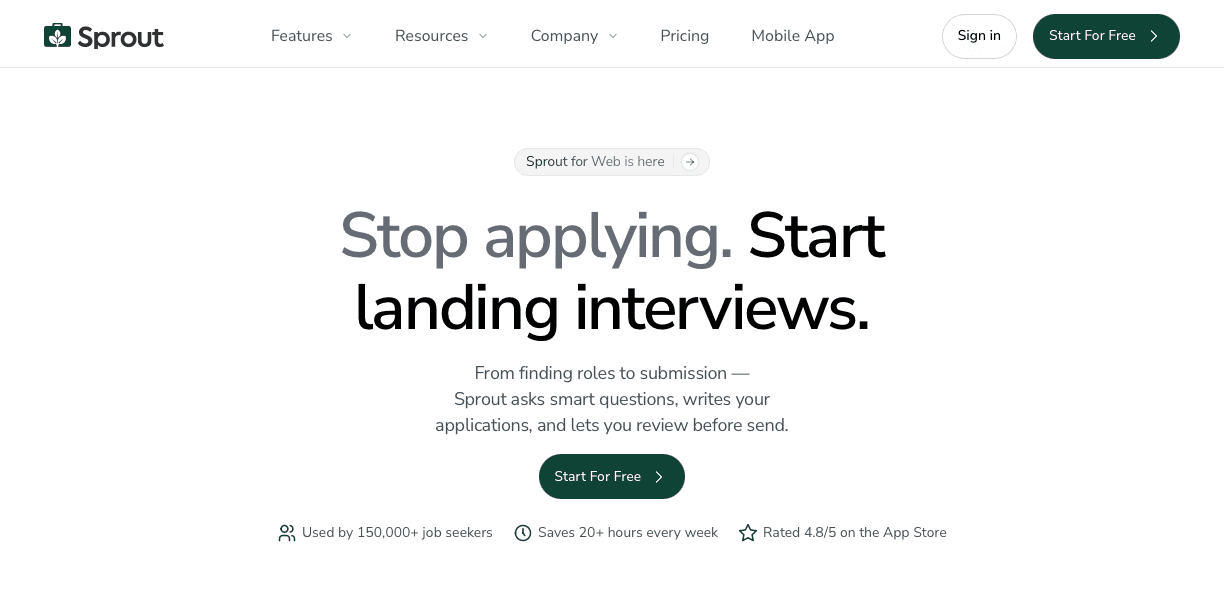
Sprout is built for job seekers who want both speed and quality without sacrificing one for the other. Where JobCopilot leans heavily into automation volume, Sprout connects the full application workflow into a single place: job discovery, resume tailoring, and application tracking all work together instead of sitting in separate tabs.
Sprout scans each job description for the experience and skills needed, cross-references them against your resume, and tailors your resume accordingly, making sure your application clears ATS filters and reaches a recruiter's queue.
Sprout also tracks every application you submit, so you always have visibility into where things stand across your search. No spreadsheet required.
On pricing, Sprout offers a free tier to get started, with paid plans designed to be accessible for early-career job seekers and career switchers who are applying at volume but watching their budget.
If you are weighing JobCopilot against other options, Sprout is worth a look, especially if resume quality and fit matter as much to you as the number of applications you send out.
FAQs
JobCopilot vs Sprout for auto-applying to jobs?
JobCopilot runs applications in the background at high volume with limited visibility, while Sprout connects tailored resume generation to each specific job description and tracks every submission in a single dashboard. If you want speed without losing control over where applications go or sacrificing resume quality, Sprout is the better fit.
Can JobCopilot really apply to 50 jobs a day for me?
Yes, the Elite plan allows up to 50 daily submissions, but user reviews consistently report that full auto-apply mode produces negligible response rates because the applications read as generic. Review mode generates better results but requires daily check-ins, which erodes the time savings.
How do I know if an auto-apply tool is worth paying for?
Look at whether the tool tailors each application to the specific job description or sends the same generic resume everywhere. The strongest solutions automate the tailoring process by identifying missing keywords, aligning resumes with job requirements, and tracking submissions in one workflow rather than relying on manual edits for every application.
When should I use manual applications instead of JobCopilot?
For senior positions, competitive roles, or jobs where fit and relevance matter, generic mass-application tools often fall short. In these cases, prioritize platforms that tailor resumes and application materials to each role automatically so you can maintain quality without manually rebuilding every application.
Final Thoughts on JobCopilot and Auto-Apply Tools
This JobCopilot review finds that auto-apply saves time upfront but the results tend to disappoint once you realize recruiters can tell when an application was built for every role at once. JobCopilot's review mode improves response rates, though it erodes most of the time savings you signed up for. Sprout connects tailoring to speed by scanning each job description and tailoring your application based on your professional profile while giving you the opportunity to review it, improve it or automatically send it. You can start for free and see whether keyword-matched applications generate better traction than volume alone.