


Summary
Compare Sprout vs Simplify job search platforms. See which tool fits your application strategy, ATS needs, and budget in May 2026.
The grind of job searching isn't usually the search itself but the repetitive form-filling that comes after you find roles worth applying to. You want to apply to more jobs with every application landing as a strong fit in the eyes of the recruiter. Sprout vs Simplify both help you apply faster, but one focuses on autofill with manual control while the other generates role-specific applications and automates more of the process, a distinction that matters more than it may seem at first.
TLDR:
Simplify offers Chrome extension autofill across job boards; Sprout generates tailored resumes for each role.
ATS compatibility differs: Sprout scans job descriptions for keywords and flags gaps in your resume.
Sprout automatically tailors applications to each role, helping avoid the lower interview rates often associated with generic resumes sent at scale.
Simplify charges $39.99/month for AI features; Sprout uses pay-per-credit pricing that scales with search volume.
Sprout combines job discovery, application submission, and tracking in native iOS, Android, and web apps.
What Is Job Application Automation and How Does It Work?
Job application automation tools sit on a range. At one end, browser extensions fill in form fields using your saved profile data, but you still review each posting and click submit yourself. One-click apply tools go a step further, bundling that autofill with a single submission action so you're not repeating the same clicks across dozens of listings. At the far end, full automation submits applications entirely on your behalf, with no per-application input required from you at all.
Sprout and Simplify sit at different points on that range. Where each lands shapes how much control you keep over your search, and that difference is worth understanding before picking one.
Simplify: Browser Extension Autofill for Manual Control
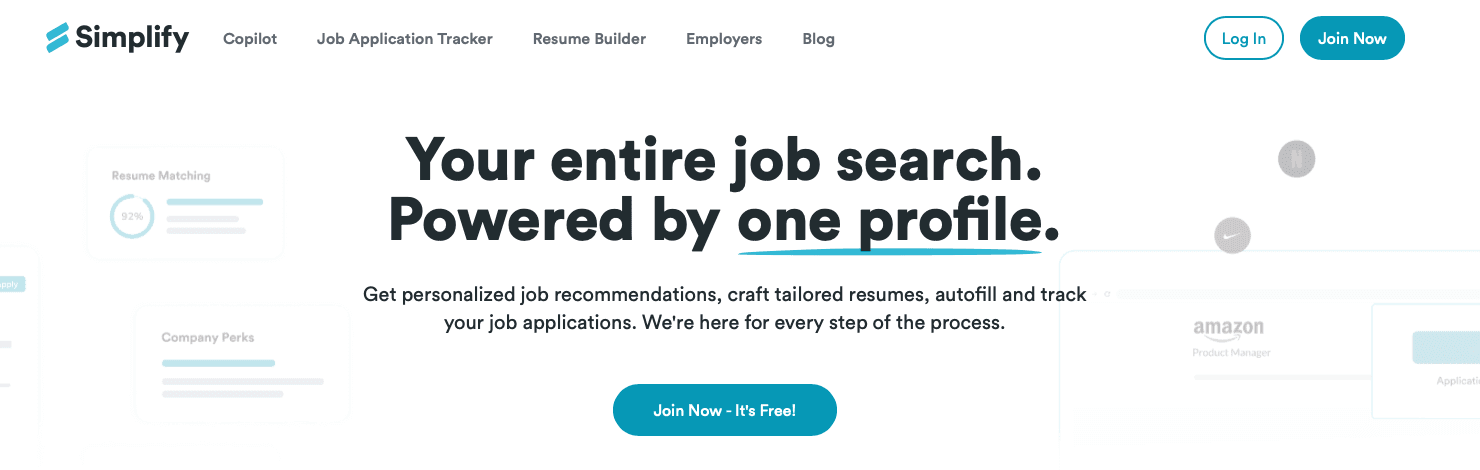
Simplify is a browser extension that sits in your Chrome toolbar and activates when you land on a job application page. Instead of redirecting you to a separate app, it reads the form fields in front of you and fills them in automatically using your saved profile data: name, contact details, work history, education, and so on.
The workflow stays manual by design. You review each field before submitting and make any job-specific adjustments yourself. That level of control appeals to some job seekers, but it also means tailoring each application remains a manual task as application volume grows.
What Simplify Does Well
It works across a wide range of job boards and company career pages without requiring you to leave the site you're already on, so the experience feels low-friction for one-off applications.
The autofill saves time on repetitive fields like location, phone number, and work history dates: the kind of data that doesn't change between applications but still takes time to re-enter.
Because you stay on the employer's page the whole time, you can read the full job description and manually adjust your resume or application before submitting. The tradeoff is that personalization still depends on the time you invest in each application.
Where It Has Limits
Simplify's autofill fills fields. It doesn't tailor your resume or rewrite your experience bullets to match what a specific role is asking for. If two jobs need different emphases, that customization falls entirely on you. You can tailor each application manually, but doing so across dozens of roles quickly becomes one of the most time-consuming parts of the search process. There's also no built-in job tracking or application status management, so as your search volume grows, you'll need to track applications separately.
Sprout: Mobile-First One-Swipe Job Applications
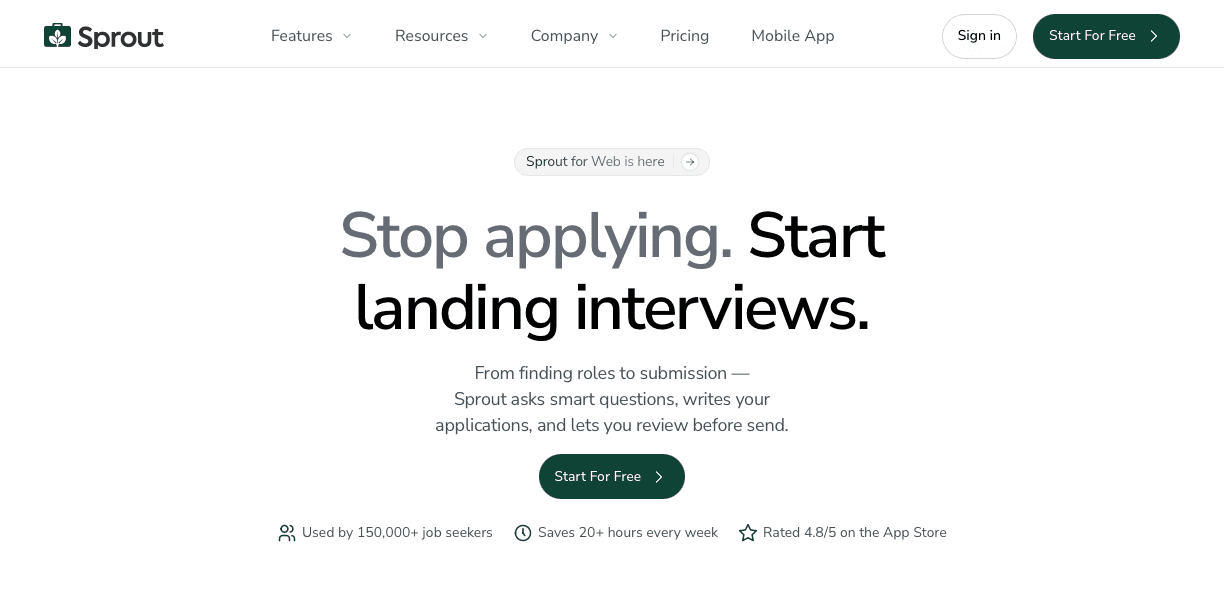
Sprout works differently at the architecture level. Where a browser extension layers onto pages you're already browsing, Sprout is a standalone iOS, Android, and web app with job discovery, tailored applications, and tracking built into one workflow.
The core interaction is a swipe. Find a role inside the app, swipe on it, and Sprout generates a tailored resume and cover letter for that specific posting before submitting on your behalf. Each application draws from a credit pool, and credit requirements may vary depending on the application workflow and ATS involved.
ATS Compatibility: Which Systems Each Tool Supports
Applicant tracking systems sit at the center of how most large employers filter candidates, so how well a job search tool handles ATS compatibility can quietly determine whether your application gets seen at all.
Both Sprout and Simplify help you prepare and submit applications, but they take meaningfully different approaches to the ATS layer of that process.

How Sprout Handles ATS Compatibility
Sprout's resume tailoring is built around the mechanics of how ATS systems read and rank documents. When you upload a resume and connect it to a job listing, Sprout scans the job description for repeated keywords, compares them against your resume, and flags missing terms with suggestions for where to weave them in. The goal is to close the gap between what the job description signals to an ATS and what your resume currently reflects.
Formatting also matters here. Sprout generates ATS-friendly resume output using standard headers and clean parsing structures, which reduces the chance that an automated system misreads your experience or education sections.
How Simplify Handles ATS Compatibility
Simplify focuses on form-filling speed, using browser extension autofill to populate applications across job boards quickly. That's genuinely useful for volume, but the tool's approach to ATS readiness is more limited. It doesn't offer the same job-specific keyword analysis or resume tailoring tied to individual listings, which means the compatibility work falls back on you.
A Quick Comparison
Feature | Sprout | Simplify |
|---|---|---|
Job-specific keyword analysis | Yes, tied to each listing | Not included |
ATS-friendly resume formatting | Standard headers, clean output | Not a core focus |
Resume tailoring per application | Built into the workflow | Manual |
Autofill across job boards | Yes | Yes, via browser extension |
If ATS readiness is a concern in your search, the difference in how each tool handles that layer is worth weighing carefully.
Resume and Cover Letter Personalization: Tailored vs Generic
Personalization is where the two tools diverge most sharply, and the difference is partly structural. Simplify's AI resume and cover letter generation sits behind the paid Simplify+ tier, so free users get autofill but not tailored application documents.
Sprout generates a role-specific resume and cover letter for every application, regardless of plan tier. Each document pulls from the job description itself, so the output reflects what that particular employer is asking for instead of a general version of your experience.
That distinction matters most when you're applying across roles with different requirements. A project management application reads differently than one for a data analyst position, even if your background spans both. Sprout handles that variation automatically; with Simplify, you're writing those differences yourself.
Job Discovery: Aggregated Listings vs External Boards
Sprout's job feed pulls from aggregated sources across the web and refreshes in real time, so you're not bouncing between tabs or manually checking company career pages. Simplify takes a different approach: you handle discovery on LinkedIn, Indeed, or wherever you normally search, and the browser extension activates once you land on an application page. The extension does its job well at that point, but getting there is still on you.
If you spend a lot of time in job discovery mode, that distinction matters. Having listings and applications in one place cuts down on the back-and-forth that tends to slow searches down over time.
Application Tracking and Dashboard Features
Once you've sent applications out, keeping track of where they went becomes its own workload. Simplify auto-logs across 50+ job boards, giving you a central record without a manual spreadsheet. Status tracking is included, though the depth depends on what each board surfaces back to the tool.
Sprout's dashboard pulls everything into one place: every application you've sent, current status, interview dates, and follow-up notes. It syncs in real time across devices, so your pipeline stays consistent whether you're checking on your phone or sitting at a desk. For high-volume searches especially, that kind of visibility tends to matter more as the weeks pile up.
Mobile Experience: Browser Extensions vs Native Apps
Simplify runs as a Chrome extension, which means it's built around a desktop browser by design. Mobile users are left working through a limited browser experience or switching back to a desktop to apply.
Sprout has native iOS and Android apps that carry the full feature set of the desktop version. Discovery, swiping, application submission, and tracking all work from your phone without compromise. Real-time cross-device sync means whatever you do on mobile shows up on desktop right away, and vice versa. For job seekers who search during a commute or lunch break, that difference is less about convenience and more about whether the tool actually fits how you work.
Pricing: Free Autofill vs Credit-Based Applications
Simplify's free tier covers unlimited autofill and job tracking, which works well for lower-volume searches. The paid Simplify+ plan runs $39.99 per month and unlocks AI-generated resumes and cover letters. If personalized application documents matter to your search, that's the tier you'll need to reach.
Sprout uses a freemium credit model. Credit usage can vary depending on the application process and ATS requirements. Your spend scales with how active your search is, so lighter users pay less by default instead of committing to a flat monthly fee regardless of volume.
Quality vs Quantity: Interview Conversion Rates
Submitting a high volume of applications feels productive, but the metric that actually matters is how many applications turn into interviews. That gap between applications sent and responses received is where the real difference between Sprout and Simplify shows up.
Simplify's mass-apply approach means your resume goes out largely unchanged across dozens of roles. That speed has value, but it also means hiring teams are seeing a generic document that may not speak to the specific role they posted.

Sprout takes a different angle. Each application is built around the actual job description, with keyword matching and tailored content designed to perform better with ATS scoring. Tailoring takes longer than autofill, but if the goal is interviews instead of submitted applications, the conversion rate math tends to favor quality over quantity.
How Sprout Balances Speed and Personalization for Job Seekers
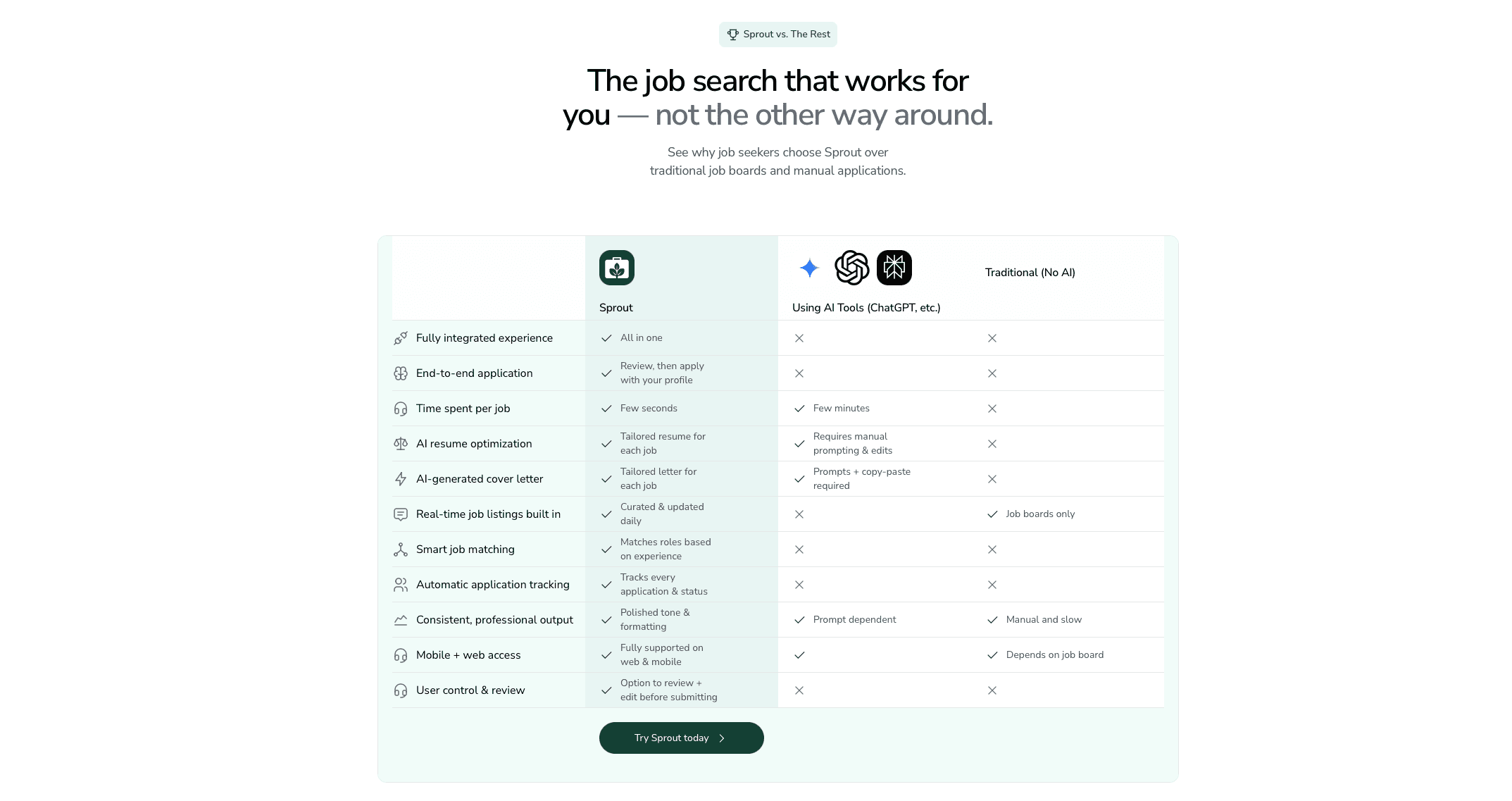
Sprout was built around a tension that trips up most job search tools: the faster you apply, the less tailored your applications tend to be. Most tools pick a side. Sprout tries to hold both.
When you find a role through Sprout's job discovery feed, the resume tailoring step happens before you apply, not after. Sprout scans the job description for repeated keywords, cross-references them against your uploaded resume, and flags gaps so you can weave in missing terms before your application goes out. The result is an application that moves quickly and reads like it was written for that specific role.
On the tracking side, every application you submit gets logged automatically, so you're not manually updating a spreadsheet to know where you stand.
FAQs
Can I use Simplify's AI resume features on the free plan?
No. Simplify's free tier covers unlimited autofill and job tracking, but AI-generated resumes and cover letters require the paid Simplify+ plan at $39.99 per month.
What's the real difference between one-click apply and full automation?
One-click apply tools like Simplify autofill forms but still require you to click submit on each application after reviewing what's filled in. Sprout streamlines the application process by generating tailored application materials and automating portions of the submission workflow, depending on the application requirements.
When should I pay for tailored applications vs using free autofill?
If your interview-to-application ratio is below 2-3% or you're not hearing back after dozens of generic applications, tailoring each application usually produces better results than increasing volume alone. You can do that manually, but platforms like Sprout automate much of the tailoring process, making it easier to personalize applications at scale.
Final Thoughts on the Sprout vs Simplify Decision
The Sprout vs Simplify decision comes down to which part of the search you want off your plate. Both tools cut down on repetitive data entry, but they solve different problems. Simplify is solid for one-off applications when you're comfortable tailoring materials yourself. Sprout is built for job seekers who want the benefits of tailored applications without manually rewriting resumes and cover letters for every role.